Orbit Sandbox
Launch a satellite sideways and watch it fall back, circle a turning Earth or escape. Shape any orbit and see Kepler's laws in action.
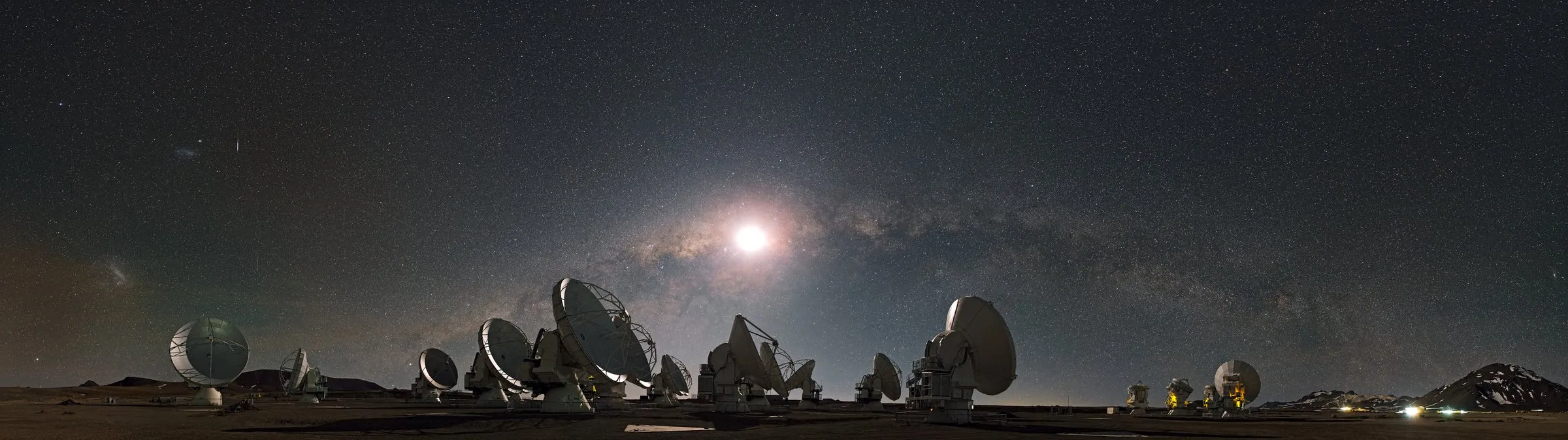
ESO/S. Guisard (www.eso.org/~sguisard) (CC BY 4.0)
Orbit Sandbox
What is an orbit? Throw a ball sideways and it curves down to the ground. Throw it faster and it lands farther away. Throw it fast enough and the ground curves away beneath it as quickly as it falls, so it never lands: it keeps falling around the planet and always misses. That is an orbit. Nothing holds a satellite up; it is falling all the time.
What happens:
Try this
Falls back Orbits Escapes
·
Fine-tune the orbit (orbital elements and Kepler's laws)
Astronomers describe an orbit with five numbers called orbital elements. Change them here; the height and speed above follow.
How to use it
- Sideways speed
- This one control decides what happens. Too slow and it falls back. Fast enough and it goes round in a circle. Faster and it swings out into an ellipse. Faster than escape speed and it leaves for ever. The coloured bar under the slider shows where each begins at the chosen height.
- Height
- Where it starts. Higher up, gravity is weaker, so a slower speed is enough to stay in orbit.
- Time speed
- Real orbits take hours, days or years, so time runs faster here. Time ×1,000 means each second on screen is 1,000 seconds (about 17 minutes) in space. The planet's turning is sped up by the same amount. The numbers shown are always the real ones.
- Ground track
- The gold trail on the ground is the path directly beneath the satellite. Earth turns underneath the orbit, so each lap passes over different places.
- Gold arrow
- Which way it is moving and how fast: the longer the arrow, the faster.
- Looking around
- Drag to turn the view, scroll or pinch to zoom. The faint grid is the plane of Earth's equator (or, around the Sun, the plane of Earth's orbit).
Data table (text alternative)
| Time step | Distance from the Sun now | Speed now |
|---|
Tools and lessons use simplified models for learning only. They must not be used for navigation, mission planning or any operational decision. Certificates are free and non-accredited. Read the educational content disclaimer